Your Organisation Runs on More Than Google. Your Security Should Too
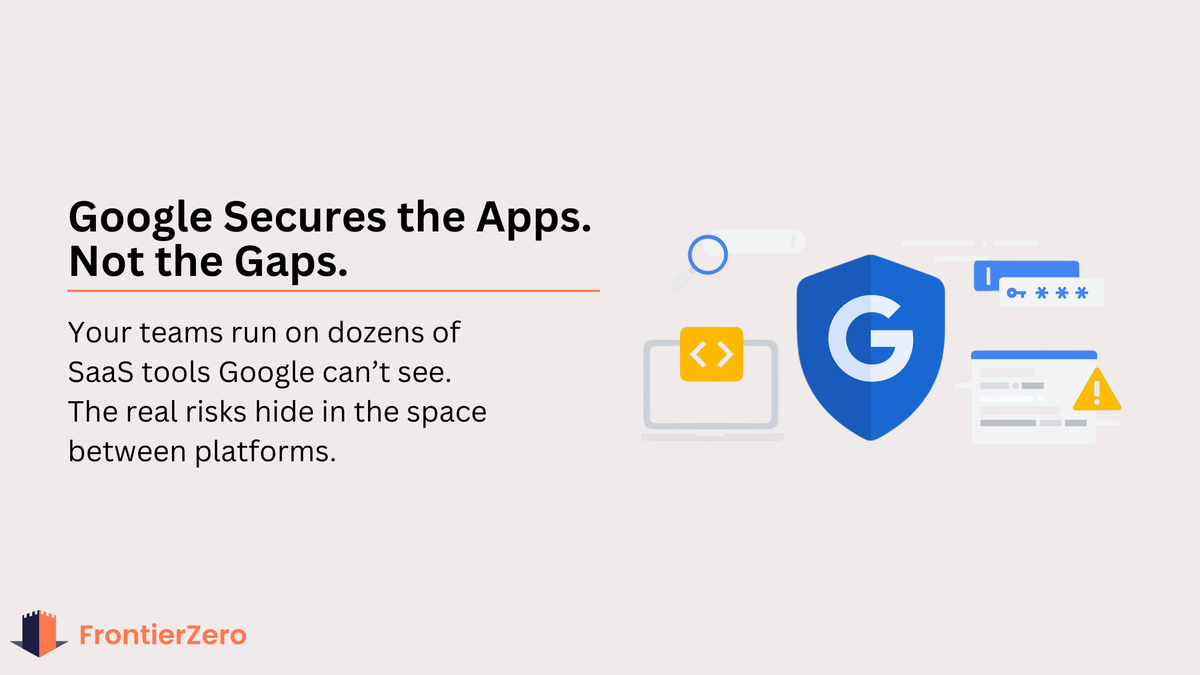
Google-native companies tend to move quickly. Their teams adopt new tools early, automate workflows efficiently, and rely on the browser as the central work environment. This speed is rarely a “security issue”; it’s a modern pattern that emerges naturally when companies build on a flexible, cloud-first platform like Google Workspace.
And to be clear: Google’s own security is exceptionally strong. It provides advanced protection for Gmail, Drive, Calendar, and the Workspace suite as a whole.
The challenge comes from something else, something outside Google’s control: Most business activity today happens across dozens of SaaS tools, and Google can’t see into those environments.
Not because anyone is doing a bad job.Not because controls are weak. But because the modern identity perimeter no longer lives inside a single platform.
And when no single system has full visibility, risks hide in the gaps, the same gaps that attackers and auditors look at first.
This is the visibility gap that Google-native organisations experience. Not a failure. Simply a by-product of moving fast and using a lot of SaaS.
Google Environments Naturally Adopt More SaaS
Teams built around Google tend to choose tools that integrate easily:
- Asana
- HubSpot
- Slack
- Notion
- Figma
- Miro
- Monday
- Calendly
- Airtable
- Loom
- Zapier / Make
These tools fit naturally into the workflow. They feel lightweight. And they integrate effortlessly with Google SSO, Calendar, Drive, or email.
None of this means the organisation is “uncontrolled.” It simply means the SaaS footprint grows faster than traditional security tools can catalogue.
This is SaaS sprawl, and it happens quietly, even in well-managed Google environments.
And when SaaS grows faster than visibility, it becomes impossible to know who has access to what—a direct problem for breach prevention, incident response, and regulatory audits.
Google Security Protects Google, But It Can’t Protect What It Can’t See
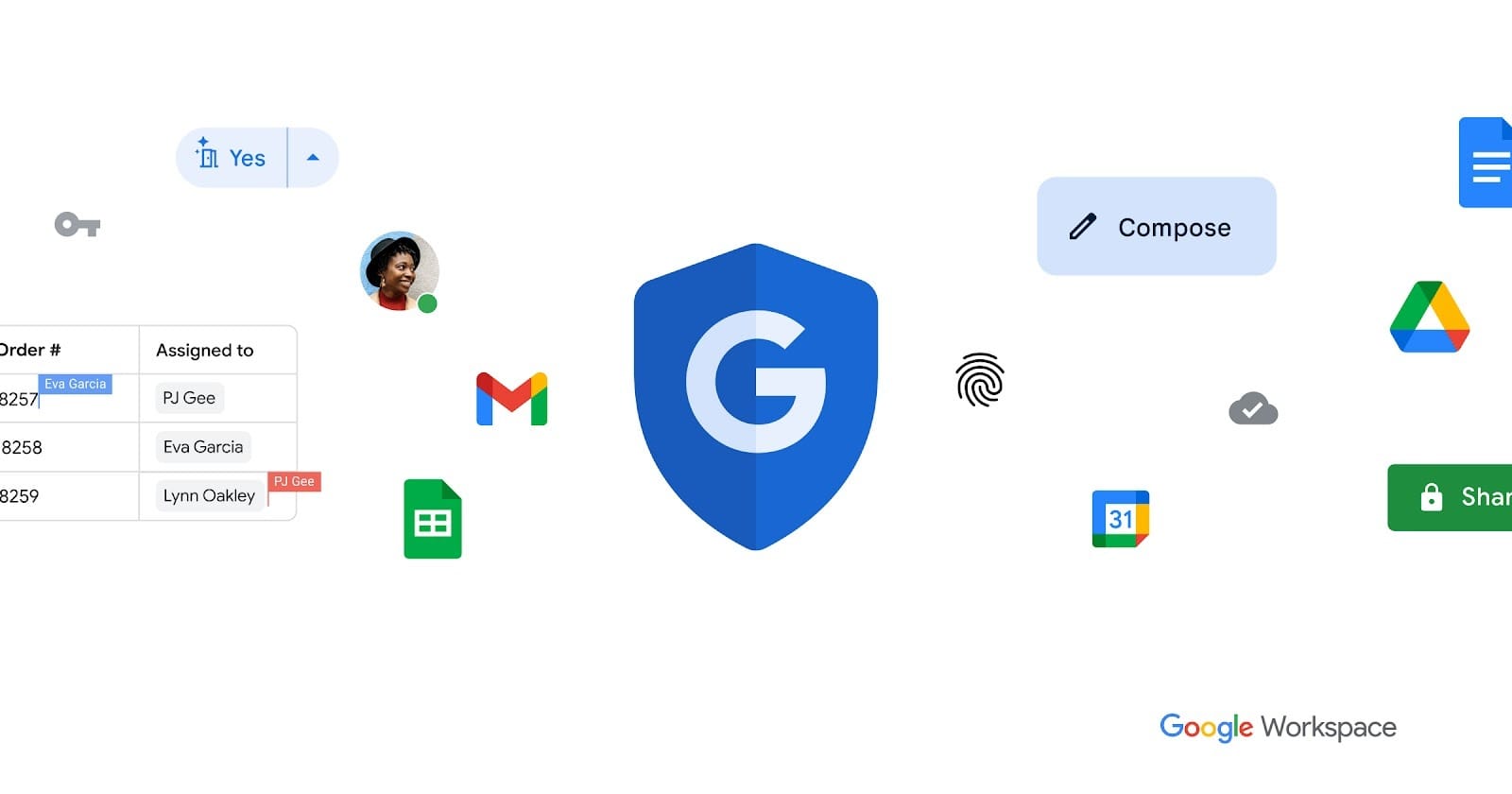
Google has strong security controls:
- MFA
- risk-based login detection
- device trust
- advanced phishing protection
- domain rules
- access policies
These protect Google apps extremely well.
But they don’t extend deeply into:
- HubSpot
- Asana
- Slack
- Figma
- Notion
- external vendors
- workflow automation tools
- calendar-connected integrations
- third-party SaaS with their own identity storage
This isn’t a gap in Google. It’s simply the reality that Google cannot correlate behaviour across tools it does not control.
For example:
- a Gmail login from Dubai
- followed by a HubSpot login from Singapore 30 minutes later
Google sees the first. HubSpot sees the second. Nobody sees the relationship between them.
The same applies to:
- which tools access Google Calendar
- which apps read or write Drive files
- how many SaaS platforms a single identity spans
- where external vendors connect through integrations
- dormant accounts still signed into third-party tools
These relationships live outside the Admin Console.
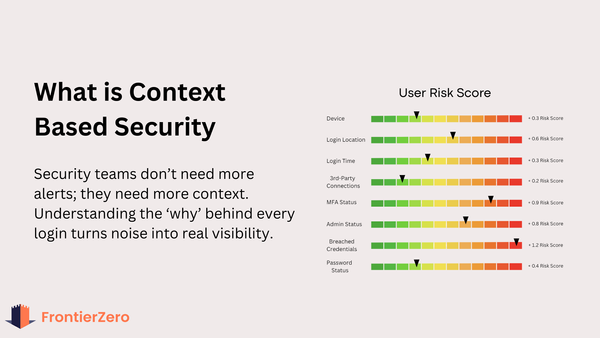
And when no one sees cross-SaaS behaviour, subtle early warning signs, the kind that stop breaches, pass unnoticed until real damage has already happened.
OAuth Integrations Create Convenience, And Hidden Depth
In Google environments, OAuth is the glue that connects everything. Teams approve integrations because they save time and improve workflow.
Google can show you that an app is connected. But it cannot show:
- whether the connected app is still actively used
- whether the user has leaked credentials stored externally
- whether the identity is a high-privilege user elsewhere
- what data the app accesses inside Calendar or Drive
- whether the same identity connected the app from an unusual location
- whether the user later authenticated to other SaaS apps in a risky pattern
None of this is a mistake. It’s simply the limit of what any platform can see inside itself.
The risk isn’t OAuth; it’s the absence of cross-platform context.
And when forgotten connections keep their permissions indefinitely, they quietly create compliance exposure, untracked data access, and long-lived entry points that attackers can exploit without triggering alarms.
The Browser Has Become the Operating Layer for Work
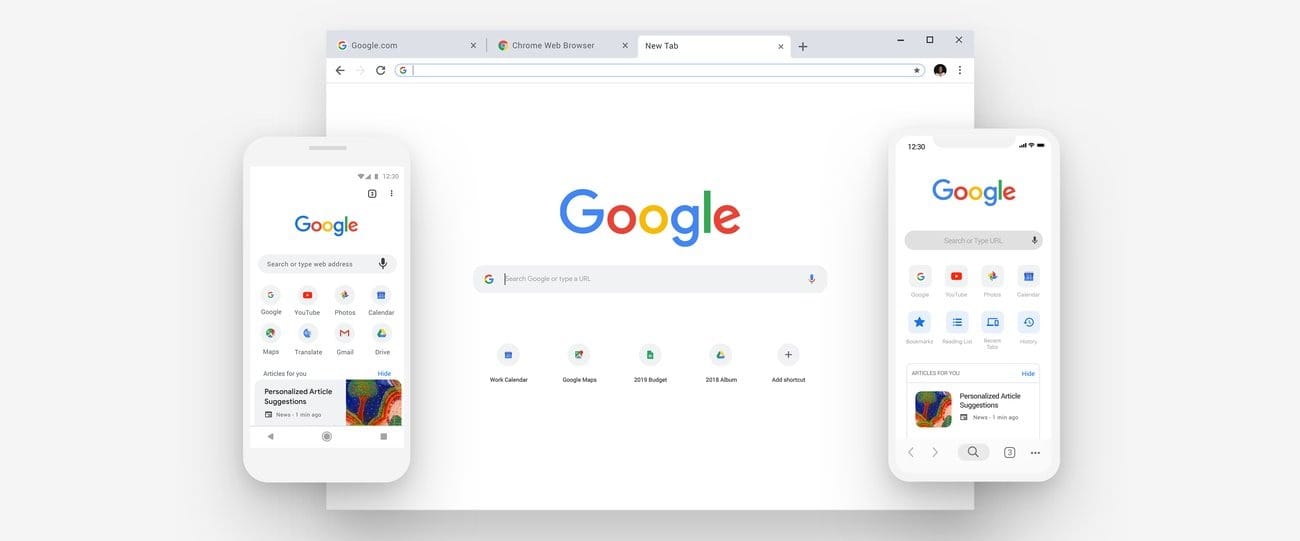
Google-native companies operate heavily inside the browser. That’s part of the appeal: work becomes location-independent and simple.
But because everything flows through the browser, identities spread across many tools. And security teams often get visibility into only one layer: Google.
Browser behaviour sits adjacent to:
- SaaS logins
- long-lived sessions
- multiple devices
- personal and work profiles
- automation tools
- cloud storage
- external collaborators
- vendor access
FrontierZero doesn’t control the browser or evaluate extensions, but understanding identity context around browser-driven work has become essential.
Because when a single browser session becomes compromised, every SaaS tool tied to that identity becomes exposed, multiplying the impact of even minor incidents.
Supply Chain Access Is the Biggest Blind Spot, And It Lives Outside Google
The majority of today’s business operations involve third parties:
- marketing agencies inside HubSpot
- contractors accessing shared Drives
- product teams using Figma with external collaborators
- sales teams syncing CRM tools
- automation platforms moving data between apps
- scheduling tools reading calendars
Each partner, vendor, or integration extends the identity perimeter beyond Google’s line of sight.
Again, not due to mistakes. This is simply how modern work functions.
But it means the organisation must monitor:
- external connections
- vendor access
- dormant users
- cross-platform identity behaviour
- third-party integrations
- data movement between tools
These are the areas where visibility usually slips.
And when attackers target suppliers, not the company itself, those blind spots become the fastest path into your environment. Many of the biggest breaches in recent years, like Jaguar Land Rover, started with exactly this chain-of-trust issue.
Google Shows the Doors. FrontierZero Shows the Hallways Between Them.
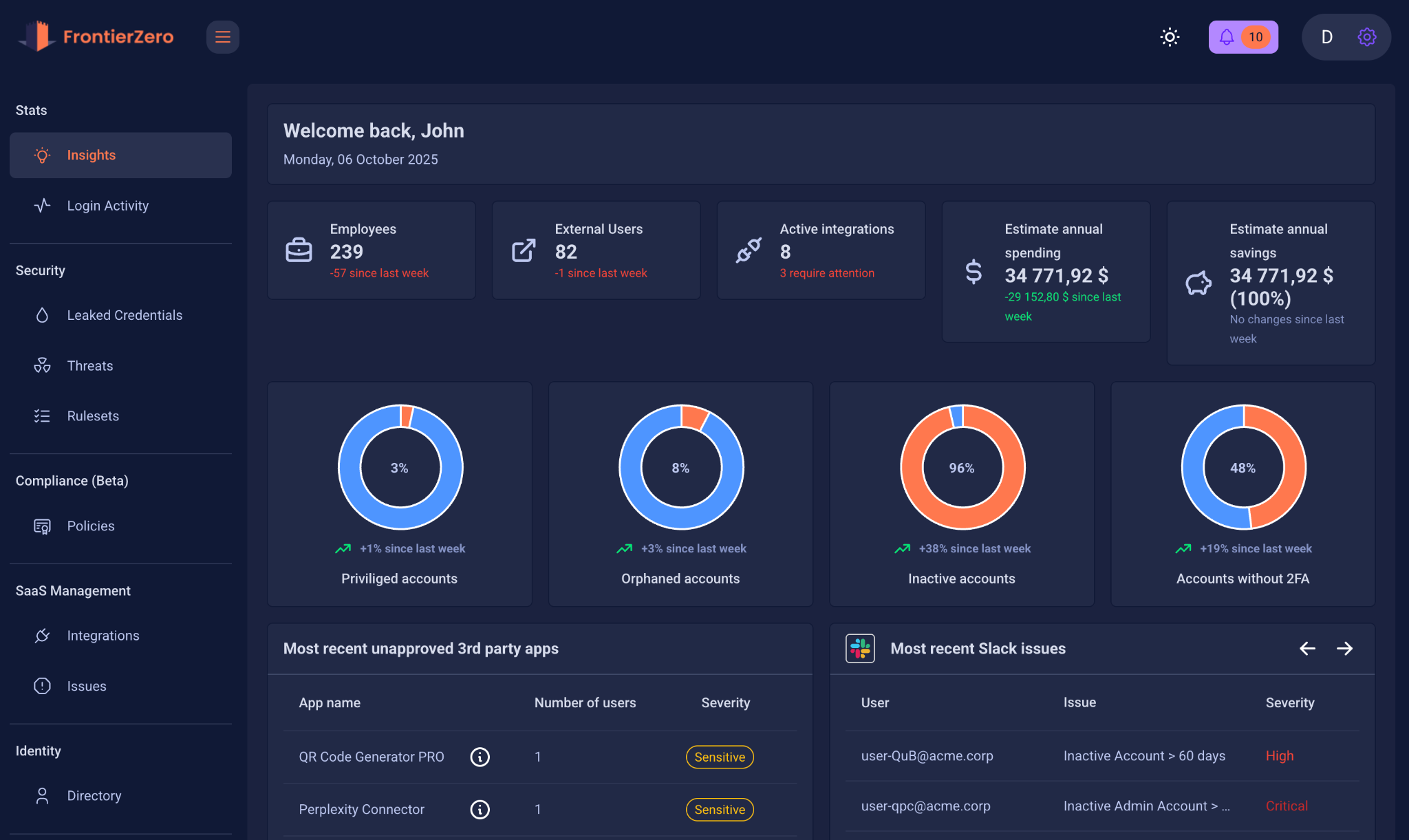
Google Admin Console shows the official identity structure.
But modern organisations run on the emergent identity structure:
- all SaaS tools connected to Google
- all identities shared across platforms
- all vendors inside your ecosystem
- all dormant accounts still tied to third-party apps
- all admin roles across external SaaS
- all login patterns across tools
- all early warning signs of compromise
- all cross-platform anomalies
- all supply chain access vectors
FrontierZero focuses on this cross-SaaS view, the part that falls between individual platform dashboards.This isn’t replacing Google’s security. It’s completing the picture around it.
If you want a fast visual explanation, here’s our 2-minute video.
Because the hallways are where attackers move. And if you can’t see the hallways, you can’t secure them — no matter how strong your doors are.
See the Full SaaS Perimeter Around Your Google Environment
If your company runs on Google Workspace, your strongest controls are already in place.What’s missing is visibility into everything connected to Google.
FrontierZero helps you see:
- your full SaaS footprint
- overlapping identities across tools
- high-risk behaviour across platforms
- external and vendor access
- supply chain connections
- dormant and forgotten app integrations
When you can see every connection, you can secure every connection.
Try FrontierZero and gain visibility into the modern identity perimeter your team already relies on.
Visibility is Security.