Thought you weren’t a target? ShadyPanda has been watching you for 7 years.
For nearly a decade, a malicious Chrome extension quietly collected session cookies and authenticated access from real users inside real companies. The story behind ShadyPanda highlights a growing blind spot in modern security: what happens inside authenticated SaaS sessions.
For almost a decade, a malicious Chrome extension lived inside the browser stores.
Not hidden on the dark web. Not delivered via phishing. Not flagged by antivirus.
Just a normal-looking extension. With real users.Inside real companies.
And all that time, it quietly exfiltrated data.
Session cookies. Authenticated access. Internal activity.
The kind of access attackers normally spend months trying to get.
ShadyPanda didn’t need to break in.
It waited to be invited.
The uncomfortable question
Which of your employees has it installed right now?
You probably don’t know.
Not because your team is careless. But because most security stacks don’t see the browser at all.
Extensions live:
- outside your endpoint agent
- outside your EDR
- outside your SIEM
- outside your IdP logs
Yet they operate inside the most sensitive layer of your organisation:
The browser.
Where:
- email lives
- CRMs live
- finance systems live
- admin consoles live
It’s the single most privileged workspace in your company.
And it’s largely invisible.
Why ShadyPanda is actually a SaaS security story

At first glance, ShadyPanda looks like a browser problem.
It’s not.
The browser is just the delivery mechanism.
The real asset being stolen is the authenticated SaaS session.
That session gives attackers:
- the same access as the user
- inside the same apps
- with the same permissions
- from the same device
- without triggering MFA
Which means the real breach doesn’t happen in Chrome.
It happens in:
- Google Workspace
- Microsoft 365
- Salesforce
- HubSpot
- Jira
- Notion
- Finance systems
- Internal admin consoles
The browser is just how they get in.
SaaS is where they operate.
The real damage happens later
Once a session is stolen:
- MFA becomes irrelevant
- IP looks normal
- device looks trusted
- login looks legitimate
At that point, attackers don’t need to bypass security.
They are the user.
And now the only question is:
Would you notice what they’re doing?
Most teams wouldn’t.
Because most monitoring stops at:
“User logged in successfully.”
It doesn’t show:
- what they accessed
- what they downloaded
- what they changed
- who they invited
- which apps they touched
That’s where real breaches live.
Not in alerts.
In behaviour.
Why detection shifts from “security tools” to “behaviour”
Once an attacker has valid SaaS access:
Nothing looks malicious.
No exploit.No malware.No firewall alert.
Just:
- legitimate user
- legitimate access
- legitimate actions
The only remaining signal is behavioural drift:
- exporting more data than usual
- weird login times from different locations
- impossible travel time across multiple apps
- accessing objects the user never touches
- creating new tokens
- inviting external users
- touching multiple apps in short time
- performing admin actions without tickets
This is not endpoint security.This is not network security.
This is SaaS activity monitoring.
And that’s exactly where most organisations are blind.
The part most IT teams won’t like
There is no magic tool that can tell you:
“Yes, you were definitely affected by ShadyPanda.”
If an employee installed it 2 years ago, their session was stolen,and attackers used it quietly…
There may be no forensic trail left.
No logs. No alarms. No evidence.
Which means the only rational strategy is:
Assume compromise is possible. And build visibility forward.
What actually works in 2026
Security is no longer about “prevent everything”.
It’s about answering one question honestly:
If someone had valid access right now… how fast would we detect misuse?
That requires visibility across three layers:
1. Browser layer
What extensions exist? What permissions do they have?Who approved them?
2. Identity layer
How many identities exist across SaaS? Humans, service accounts, integrations.
3. SaaS activity layer
What are those identities actually doing?
Not just logging in. But:
- exporting data
- creating tokens
- changing roles
- accessing sensitive objects
- moving laterally between apps
Because that’s what attackers do once they’re inside.
And that’s where most teams are blind.
This is the layer FrontierZero was built for
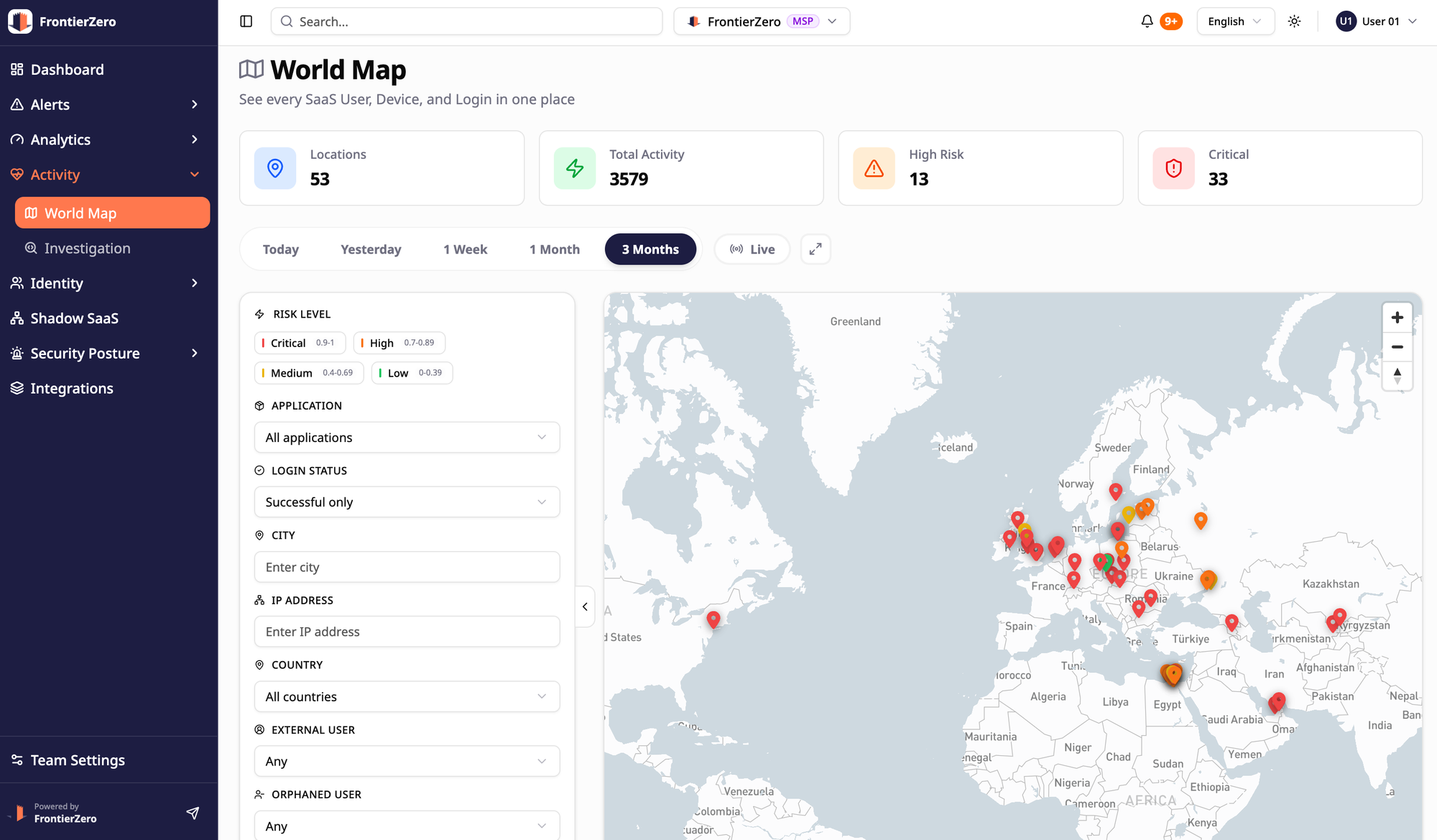
We don’t pretend we can magically “see” malicious extensions.
No one can reliably.
What we do instead is monitor what actually matters:
What compromised identities do inside your SaaS stack.
In real time. Across all applications. With full identity context.
So instead of asking:
“Did we install the wrong extension?”
You can answer:
“Is any identity behaving like it’s compromised right now?”
That’s the only question that still works after session theft.
Get your Internal SaaS Exposure Report
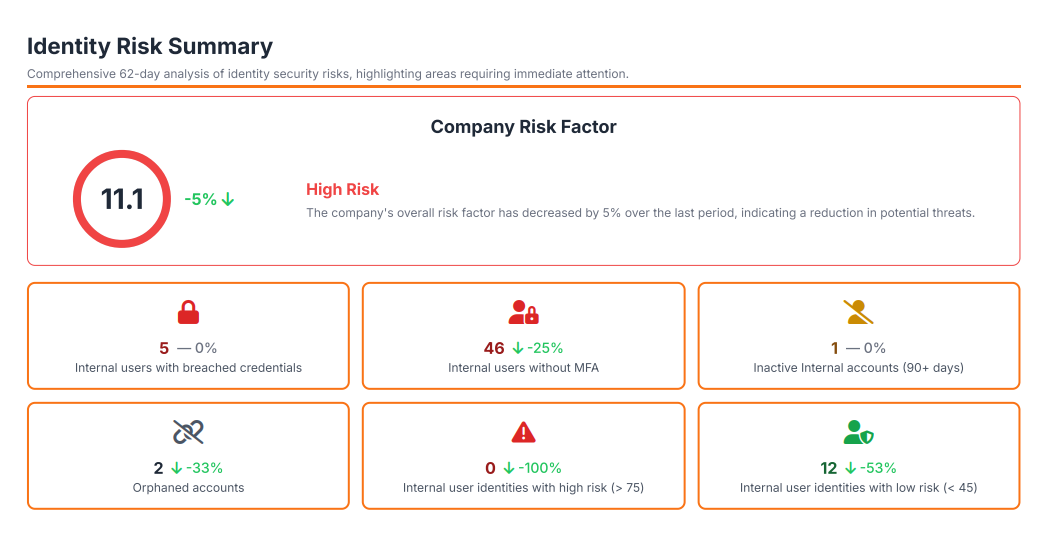
Instead of a generic demo or trial, we’re offering something more useful:
An Internal SaaS Exposure Report for your environment.
You’ll see:
- how many identities really exist across your SaaS
- where your most sensitive data lives
- how much privileged access is in play
- how many inactive/orphaned accounts do you have
- which sessions behave in ways most teams never look at
No agents. No heavy setup. Just a real snapshot of your current exposure.
Because the worst time to discover blind spots is after someone else already has.